Quick start
Shorten a link, create a QR code, build a OneLink, and start tracking performance.
If you're new to T.LY, this quick start walks through the most common workflows: shorten a URL, create a QR code, build a OneLink page, and find your analytics.
1. Shorten a URL
Start in your Links dashboard. Paste a destination, choose your short domain, and keep related links grouped with tags and descriptions so your team can scan performance quickly.
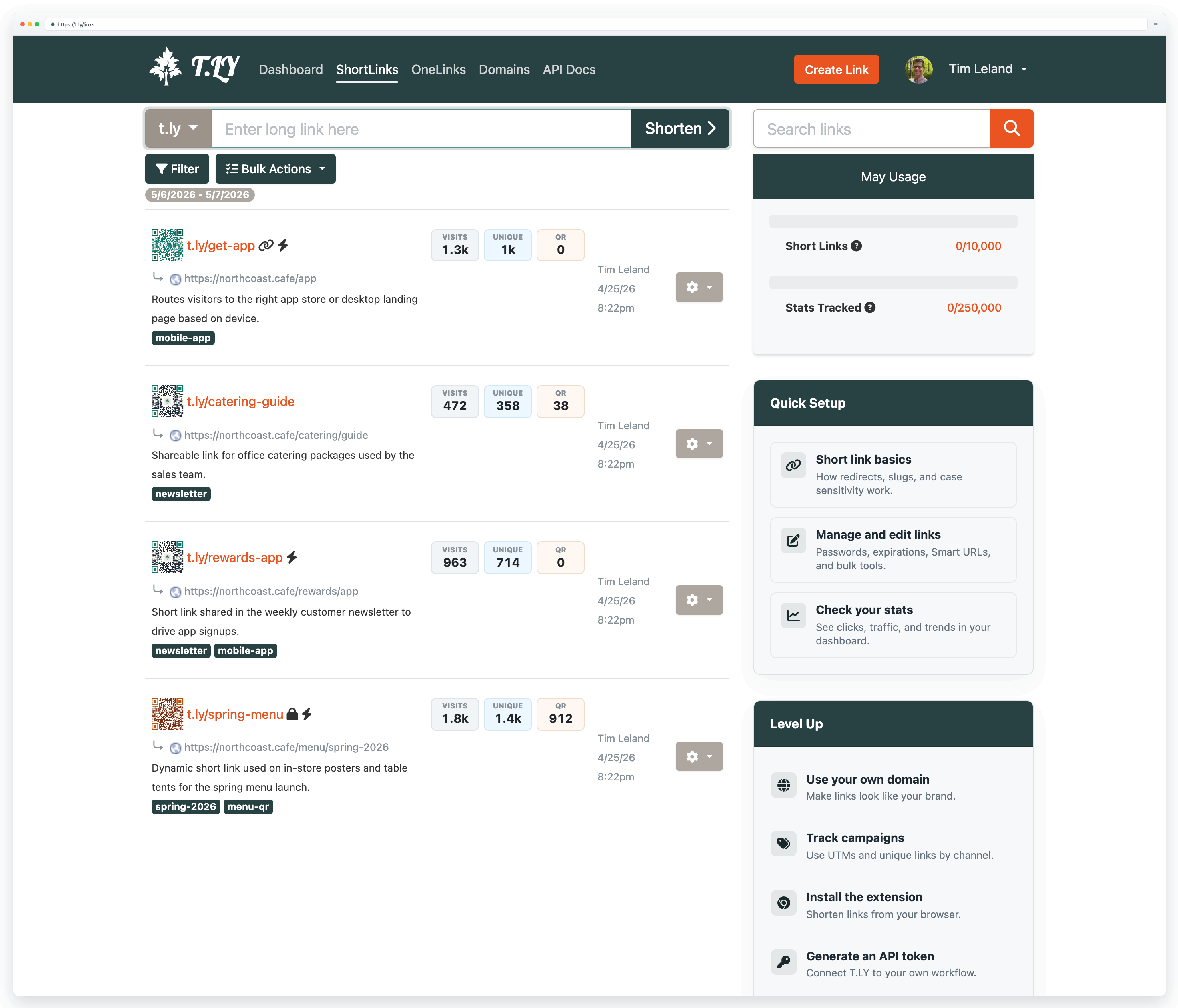
- For a quick one-off link, use the Free URL Shortener.
- For link editing, dashboards, and team features, create an account and use Link Management.
2. Create a QR Code
Use the QR Code Generator when you want a scannable version of a short link for packaging, posters, menus, table tents, or printed handouts.
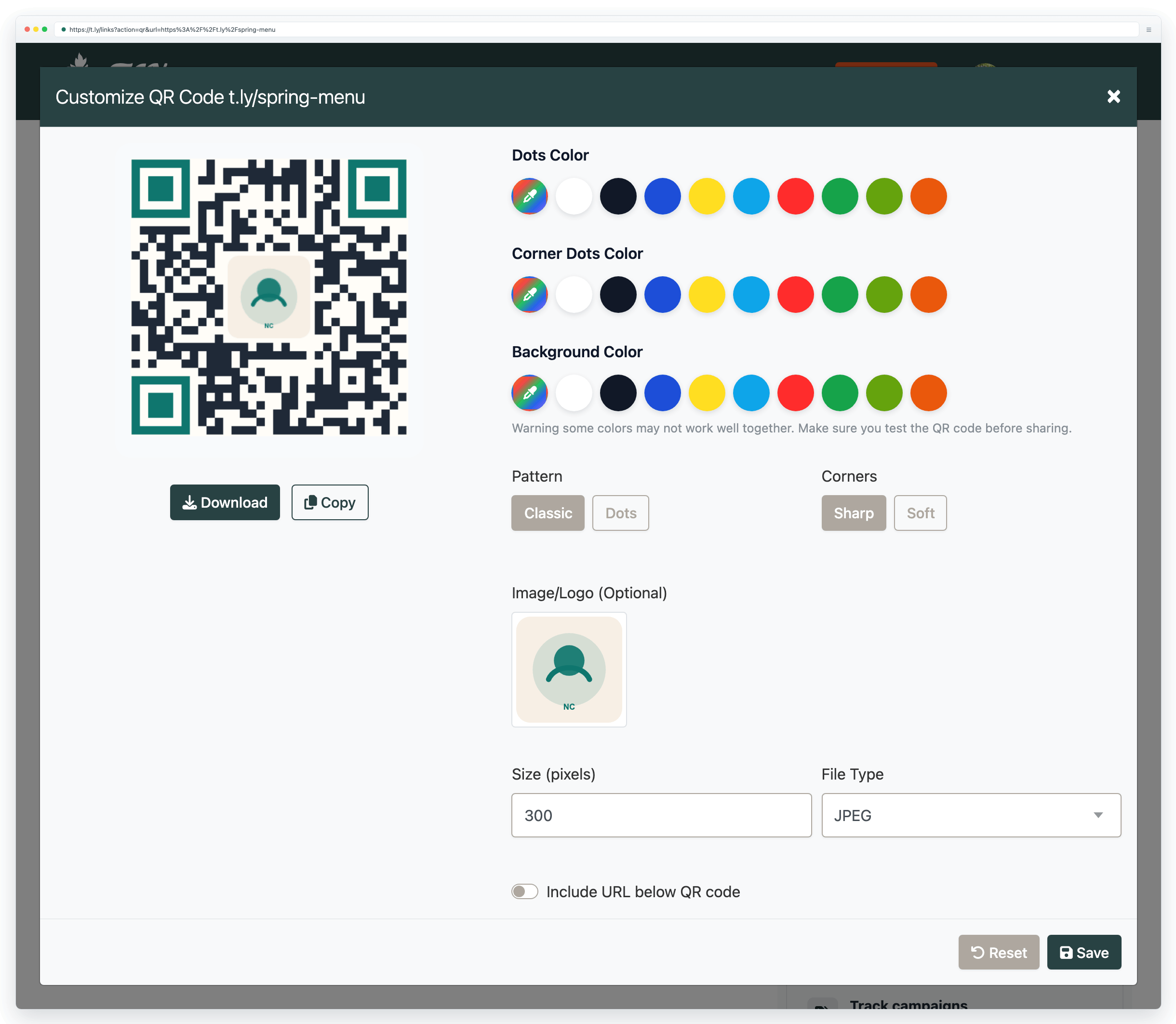
- Create a basic QR code in seconds with the QR Code Generator.
- Need WiFi, vCard, SMS, or other QR types? Browse QR Code Tools.
3. Track Performance
Each short link has a public stats page and richer dashboard reporting. This is the fastest way to confirm visits, unique visitors, and QR scans after a campaign goes live.
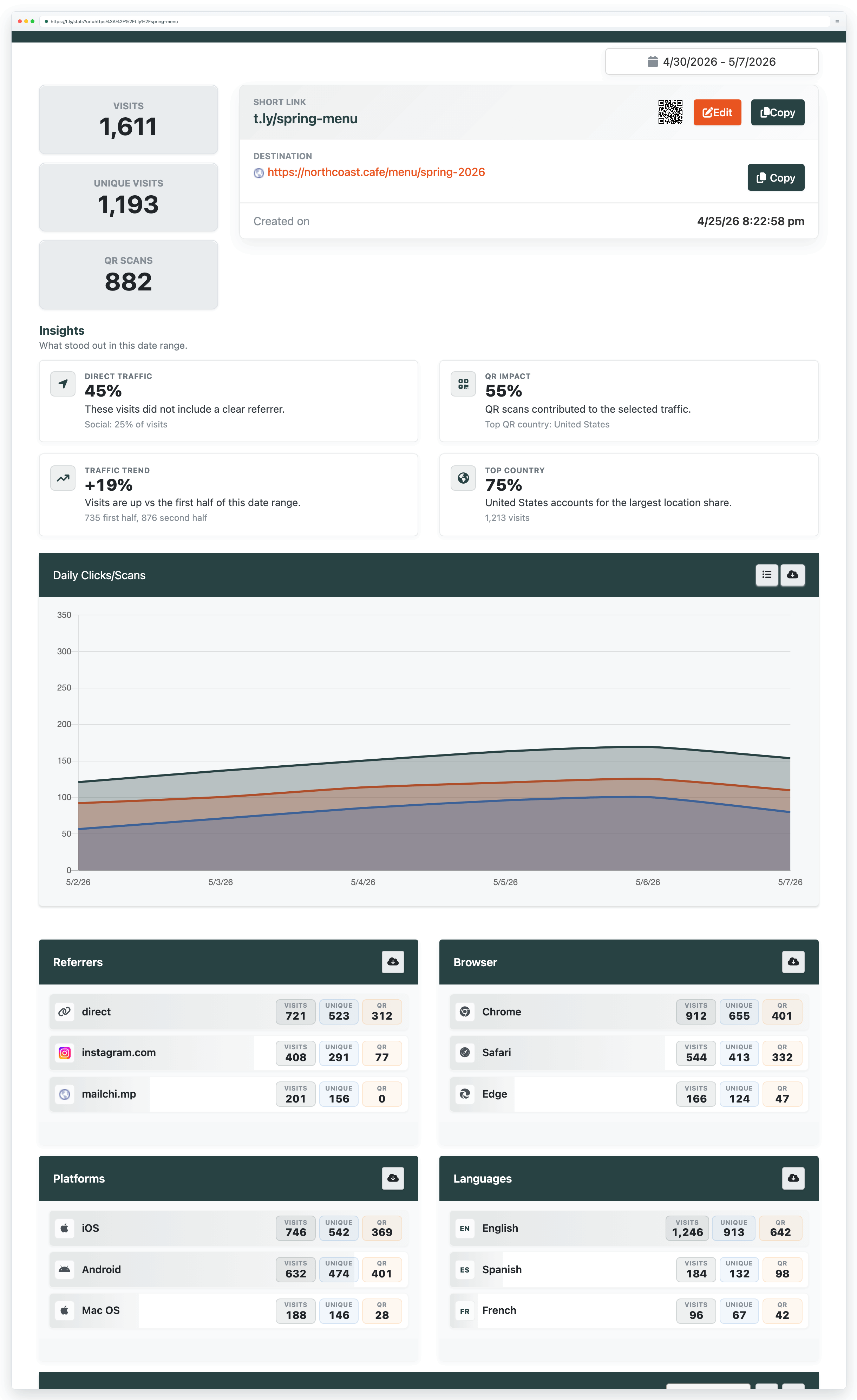
- Short link stats: add a + to the end of a t.ly link to view its public stats page (example: t.ly/P9IK+).
- Dashboard analytics: for richer reports, exports, and filtering, see Link Tracker.
- QR scan tracking: use dynamic QR codes and view scan analytics in QR Code Management.
4. Create a OneLink
When one destination is not enough, use OneLinks to build a simple mobile hub for menu links, app downloads, social profiles, or campaign destinations.
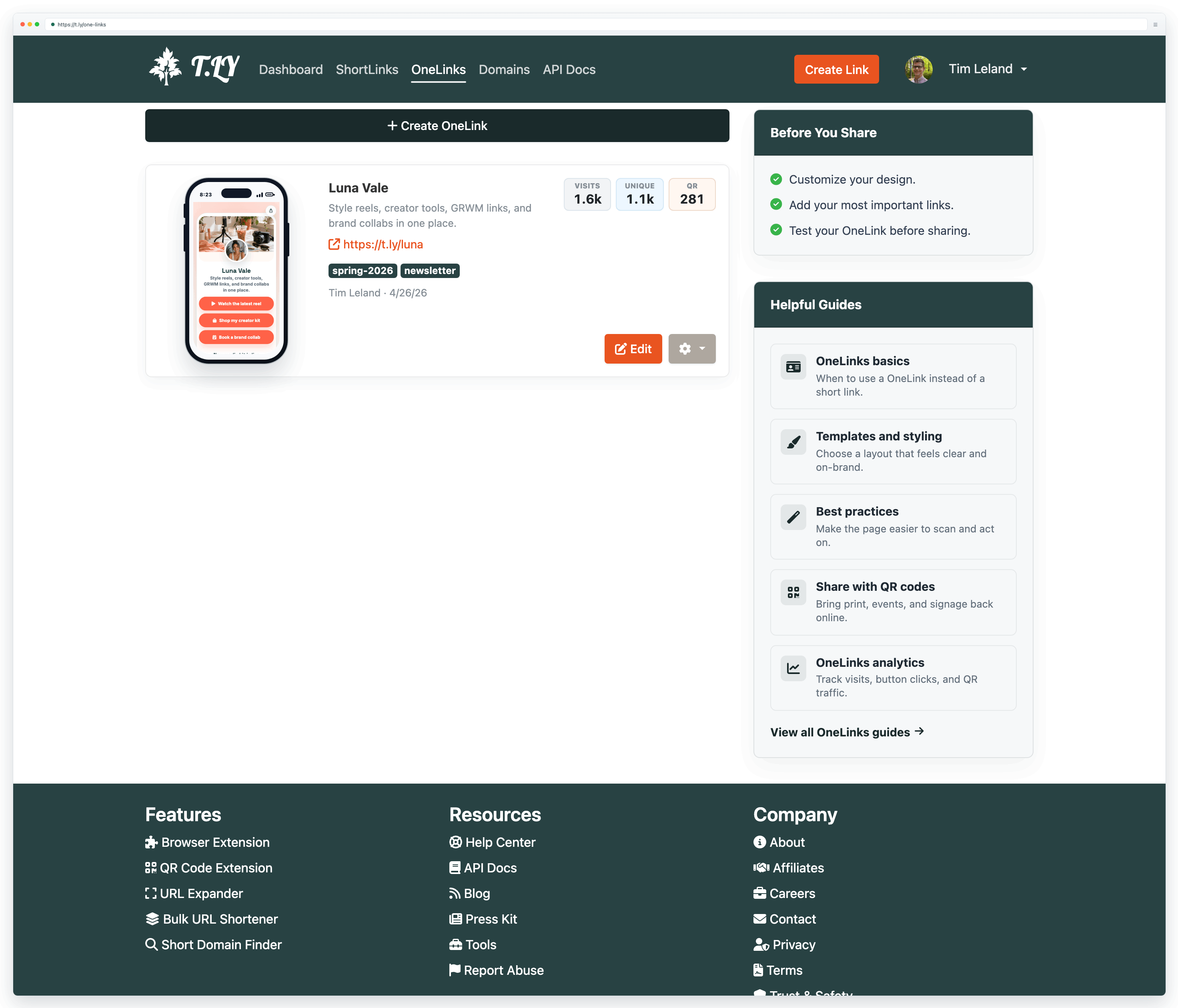
- Need a link-in-bio page or a simple hub for multiple destinations? Use OneLinks.
- To publish your first page, create an account, then open OneLinks in your dashboard.
- New to OneLinks? Start with OneLinks basics.
Next Steps
- Brand your links with a custom domain.
- Make links safer and more flexible with passwords, expirations, and Smart URLs.
- Printing QR codes? Read the printing guide before you go to press.
Need more help?
If you still have questions, contact [email protected] or use the contact form. For abuse or suspicious links, use Report Abuse. For feature requests, email [email protected].
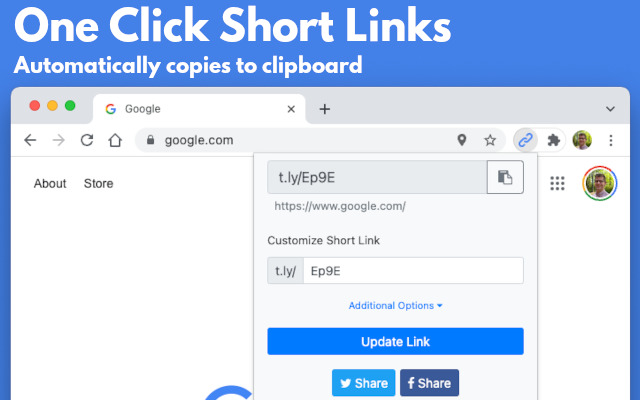
 Browser Extension